
What a Seminole County Court Docket Shows
The docket is the case timeline. Each line is dated and names an event, such as a complaint filed, a motion, a notice of hearing, an order, or a final judgment. Read top to bottom and you see how the case has progressed. The docket is not the same as the full case file. It points to the documents, but the documents themselves are separate images that may or may not be online.
Most Seminole dockets carry the same core fields. A case number ties the docket to one file. Party names show who is involved. Event dates show when each thing happened, and a disposition shows the current outcome.
| Docket Field | What It Shows |
|---|---|
| Case Number | The year, division code, sequence, and suffix for the file. |
| Entry Date | The date the event or filing was docketed. |
| Event / Filing | The name of the document, motion, hearing, or order. |
| Parties | The plaintiffs, defendants, petitioners, or respondents. |
| Hearing Date | Any scheduled hearing or court event. |
| Disposition | The current or final result of the case. |
Using the Court Events Search
The Clerk runs a Court Events search alongside the case portals. It is built around hearing calendars and event dates rather than the full case index. You reach it from the same Search for a Court Case landing page that holds the civil, criminal, and traffic tools. For most people, the civil and criminal portals are the better way to open a full docket, while Court Events helps when you are tracking a hearing.
The landing page links every tool in one spot, as the Seminole Clerk court search page shows below.
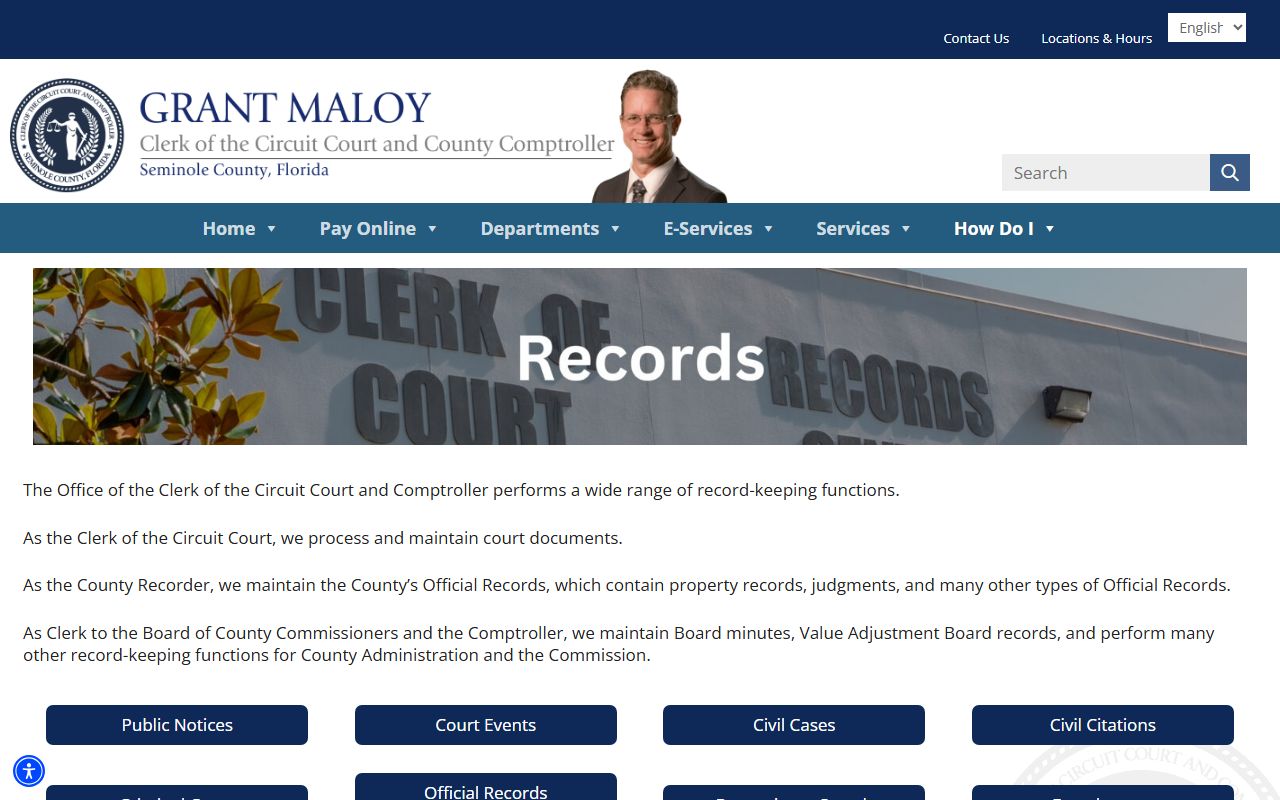
Pick the portal that matches the case type, then open the docket from the result list.
How to Find a Seminole County Court Docket
Finding a docket follows a short path. You do not need an account for a basic search. A case number gives the cleanest result, but a name with a date range works too.
- Open the Clerk's Search for a Court Case page and choose the civil or criminal portal.
- Enter the case number, or a party name with a filing-date range.
- Select the matching case category to narrow the list.
- Open the case to view the dated docket entries.
- Click an entry to view the document image if one is available.
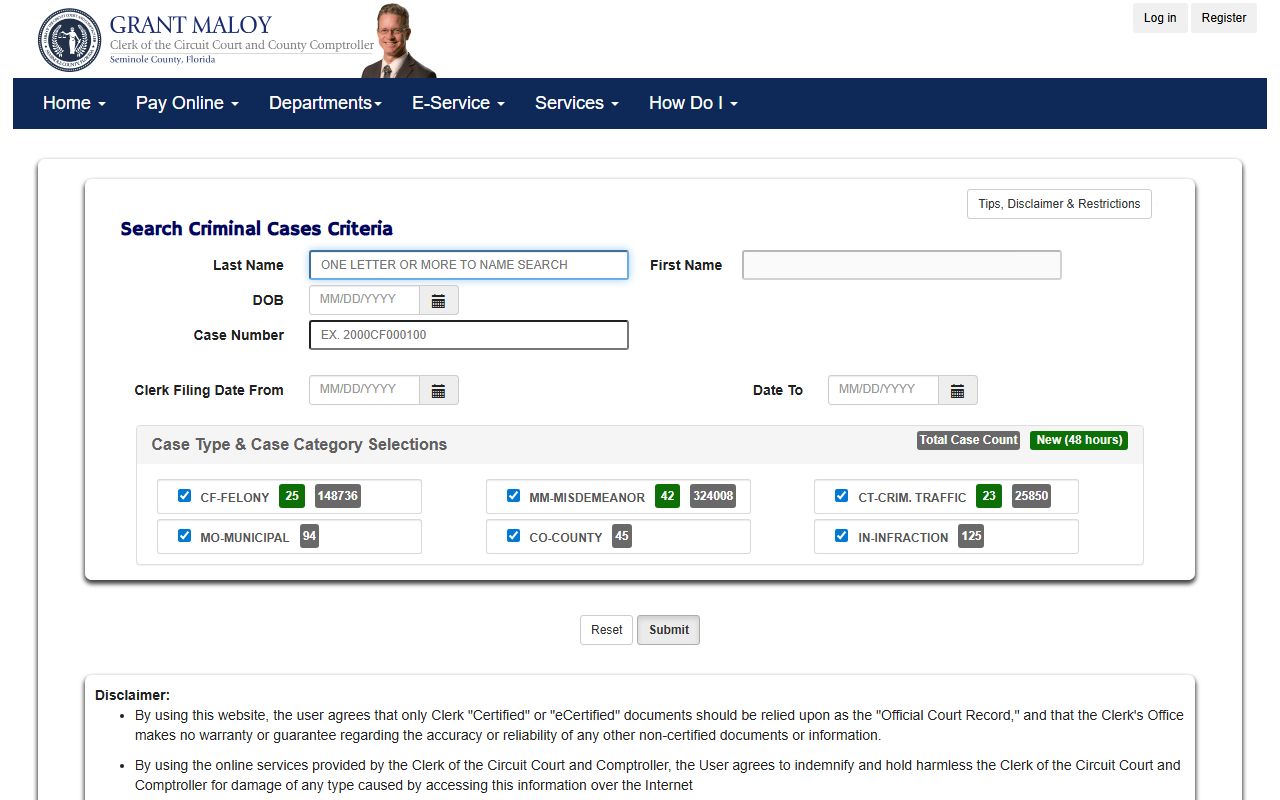
The criminal portal, shown below from the Seminole criminal case portal, opens criminal dockets the same way.
Why Docket Entries Lag
Online dockets are not instant. The Clerk warns that entries may not appear for several days after the docket date because of indexing and review. If you attended a hearing today or filed a paper this morning, the online docket may not show it yet. That is normal and does not mean the filing was lost.
There is also a coverage gap to remember. Most case indexes start in 1985, but scanned document images only begin with open cases from 2005. So a docket line can exist while the linked image does not. For older or closed files, the image may sit in archives instead of online.
Note: Wait several business days, or call the Clerk, before you conclude that a hearing or filing is missing from the online docket.
Criminal, Civil, and Probate Dockets
Dockets read a little differently by case type. A criminal docket shows the arrest charge, first appearance, arraignment, plea, hearings, and disposition. Criminal categories tell you the level: CF is a felony in Circuit Court, while MM, CT, CO, and MO are county-level. A civil docket shows the complaint, answers, motions, and judgment. A probate docket shows the petition, letters of administration, inventories, and the final discharge.
Family and probate dockets can include restricted entries. When minors, financial affidavits, or sealed material are involved, some entries or images are hidden. The index line may show, but the document stays closed.
For the related case files behind these dockets, see Seminole County court records, criminal records, and probate records.
Hearing Dates and Court Calendars
Hearing dates show up in two places. The case docket lists the next event for that file, and the Sheriff's custody profile shows the next court date for someone in jail. First appearance hearings for new arrests are held at the John E. Polk Correctional Facility in courtroom J-2, usually within 24 to 48 hours. During the Criminal Justice Center renovation, Tuesday through Thursday traffic hearings moved downtown to 301 North Park Avenue, while Friday hearings stay at Eslinger Way.
Always confirm the building and time on your hearing notice. A wrong-building trip is the most common mistake during the construction period.
Reading Docket Codes and Abbreviations
Dockets are written in shorthand, and the codes throw off first-time readers. The division code in the case number is the quickest tell. CF means a felony, MM a misdemeanor, CT criminal traffic, CO county criminal, MO municipal, and IN an infraction. Family and probate files use their own codes, such as DR for domestic relations and a long list of probate abbreviations for guardianship, summary administration, and trust matters.
Entry text uses common terms too. A "motion" is a written request to the court. An "order" is the judge's ruling. A "continuance" is a postponement. "Nolle prosequi" means the prosecutor dropped a charge. A case "dismissed with prejudice" cannot be refiled, while one dismissed "without prejudice" sometimes can. If a term is unclear, the certified record and the Clerk's staff can confirm what an entry means.
Reading these codes saves a trip. Once you know the division code, you know which court holds the case and which portal to use next time.
Dockets Versus the Full Case File
It helps to keep two ideas apart. The docket is the index of events. The case file is the stack of actual documents behind those events. Online, you may see a full docket but only some of the document images, because images start with open cases from 2005. A closed case from the 1990s can show a complete docket with no images attached.
When the image you need is not online, the document still exists. The Clerk can pull it from the file, from microfilm, or from archives, usually for a search fee and a copy fee. For recorded documents tied to a case, such as a final judgment or a lien, the Official Records search is a separate tool worth checking. Knowing which tool holds which document keeps a docket search from turning into a dead end.
Certified Docket Copies
The online docket is for research. It is not the official record, and the Clerk does not warrant the free data. If you need a docket or a document for court or business use, request a certified or eCertified copy from the Clerk. The certification add-on for an official-record document is $2.00 per document, and copy fees should be confirmed on the current Clerk schedule.